Using MSN Messenger is very easy and useful if you want to speak to your friends or family, it is an instant messaging service meaning the messages are setting within seconds.
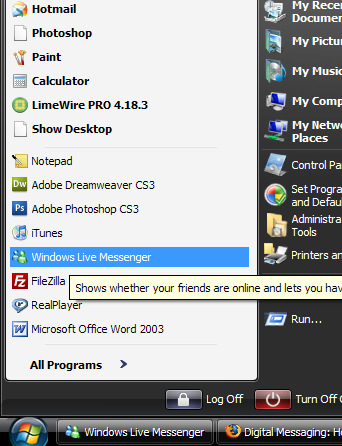
To start you will need to go to start and locate your installed MSN (you should install it)
CLICK
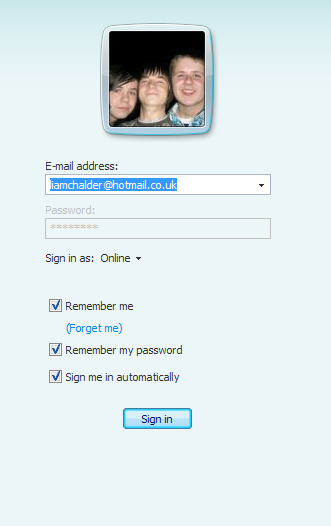
When you open it, it will open a page similar where you can enter your credetials and chose whether you want to be remembered, then click sign in.
CLICK
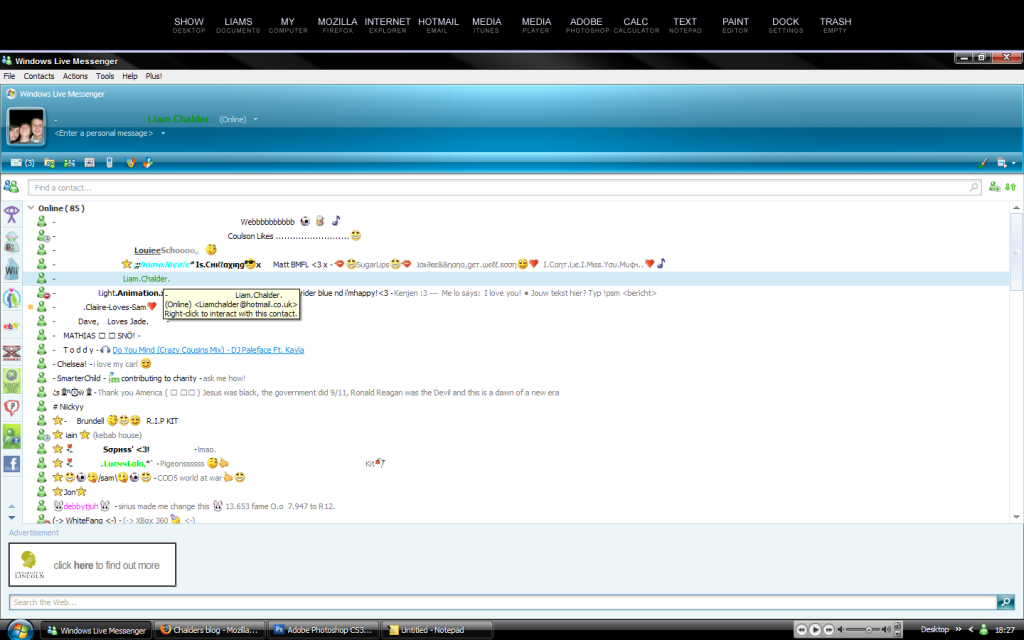
Once signed in your screen will look somewhat similar to below. But yours will display a blank contact list. Mine is filled because i use it.
CLICK
Because your list is empty, you might want to add a contact, you can do this by clicking the Add icon in the top right corner, looks like this

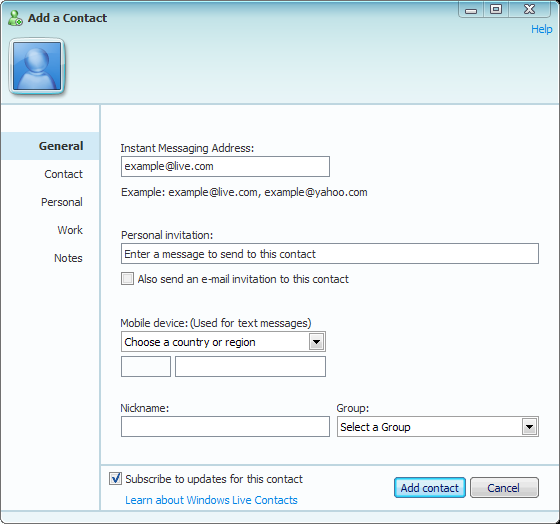
Click it and then a form will pop up looking like this
CLICK
The form is pretty simple and speaks for itself. Fill the credentials in correctly. Then click Add Contact in the bottom right, make sure you typed all the details correctly.
Once you have added the person if they accept your invite, they will come online and there icon will turn green. You can now commense conversation.
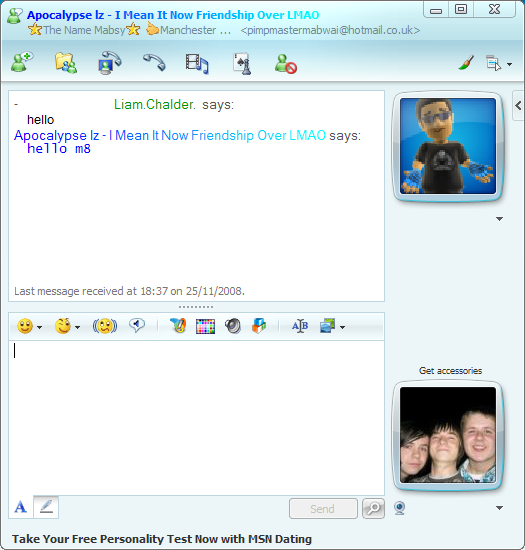
The conversation window is fairly simple, you type a message in the box then click the big "Send" button.
CLICK
That is really all there is to instant messaging with msn.

No comments:
Post a Comment